Turn your Android phone into a contactless card terminal
Tap & Chip Card Terminal App lets you accept secure, in-person contactless payments on supported Android devices - no card reader, no extra hardware. Ideal for busy, mobile businesses that need to get paid fast.
Overview
What is Tap & Chip Card Terminal App?
Tap & Chip Card Terminal App is an Android payment app from Joelsa Ltd that uses Stripe Tap to Pay so you can accept contactless card and wallet payments directly on your device in supported countries - with no extra terminal or card reader.
Accept contactless payments in seconds
With Tap&Chip, customers simply tap their card, phone, or wearable on the back of your supported Android device. Stripe encrypts and processes the transaction, and funds are paid out to your Stripe account.
- Visa, Mastercard, American Express and more*
- Contactless cards and mobile wallets
- Stripe-managed payouts and reporting
*Availability may vary by country and Stripe settings.
Simple account & login flow
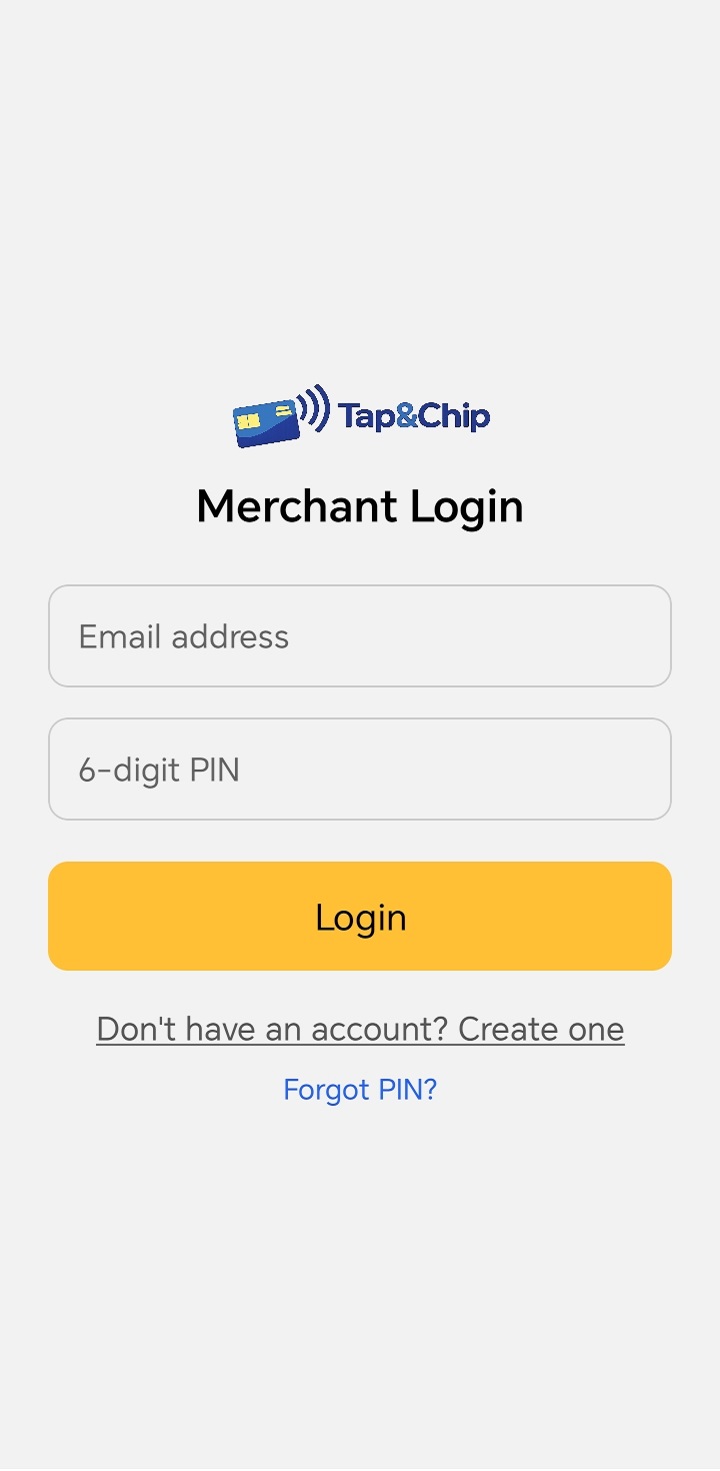
Create your Tap&Chip account quickly with just your email and a secure PIN. Then complete Stripe onboarding to start receiving payouts to your bank account.
- Email + 6-digit PIN login
- Stripe-powered, secure onboarding
- Your identity details stay with Stripe, not the app
Learn more in the Stripe Tap to Pay documentation .
Flow
How payments work
From install to your first successful tap, TapToPay keeps the process simple while Stripe handles card security, encryption, and PCI compliance.
Step 1 - Install & connect Stripe
- Install Tap&Chip from Google Play on a supported Android device.
- Create or connect your Stripe account inside the app.
- Register a business or trading location for your in-person payments.
Step 2 - Take your first payment
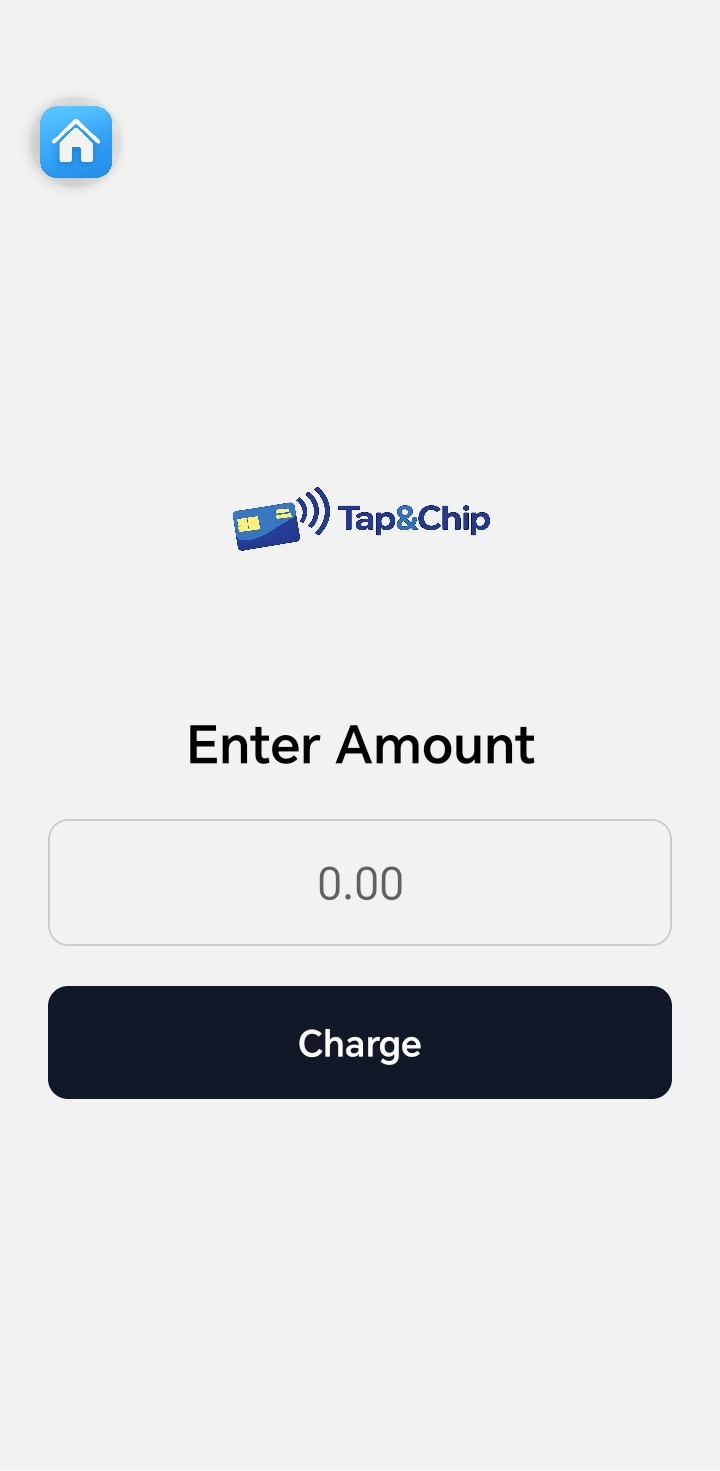
- Open the charge screen and enter the payment amount.
- Ask the customer to tap their card or device on your phone.
- Stripe securely authorises and completes the transaction.
Step 3 - View transactions & refunds
- View recent transactions inside the app, fetched in real-time from Stripe.
- Issue refunds by selecting a transaction and choosing -Refund-.
- Use Stripe dashboard for deeper reports and payouts.
Step 4 - Get paid by Stripe
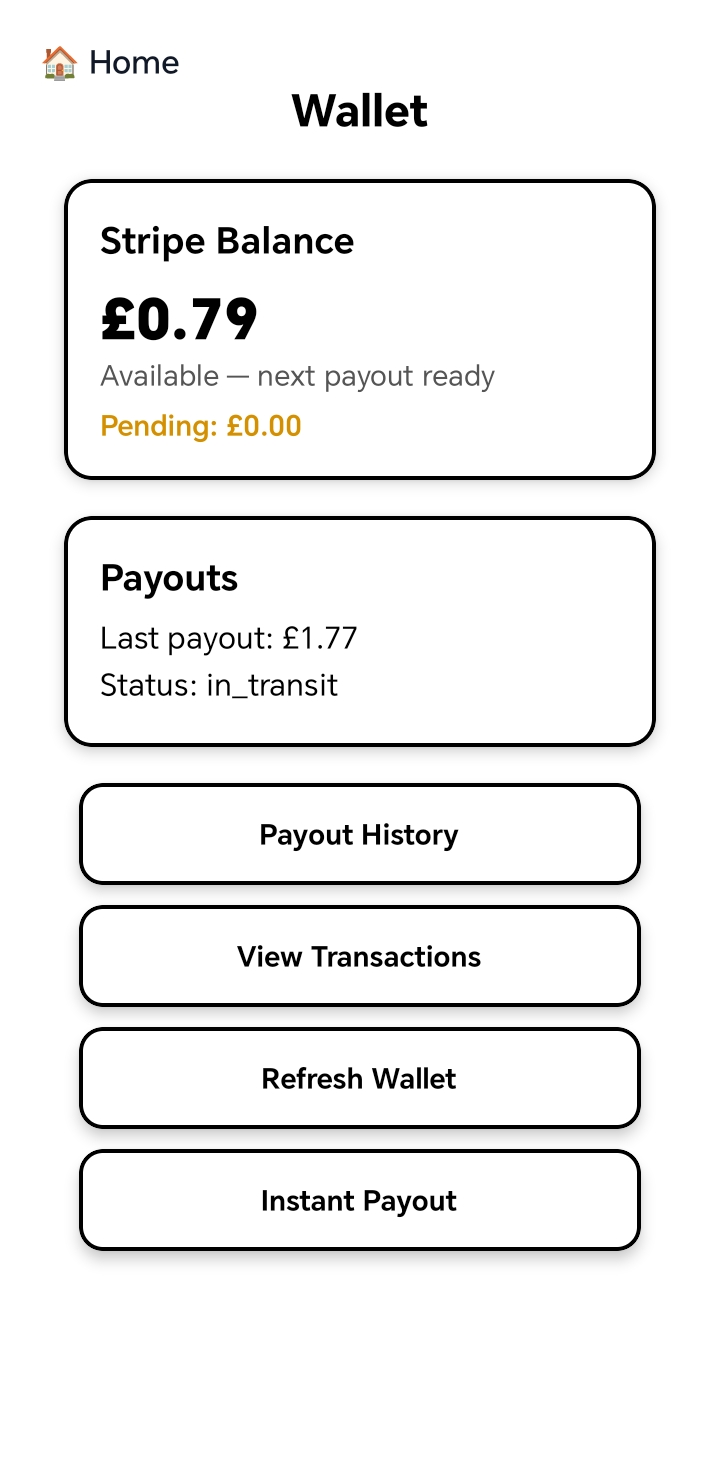
- Funds are settled directly to your Stripe account.
- Payout schedule is configured in your Stripe settings.
- No money is ever held by TapToPay or Joelsa Ltd.
Use cases
Built for busy, mobile businesses
Tap&Chip is designed for merchants who need card payments on the go, without extra terminals or complex setup.
Perfect for
- Market stalls, events, and pop-ups
- Caf-s, food trucks, and takeaway counters
- Salons, barbers, and beauty professionals
- Mobile trades and home services
- Freelancers and consultants
Device & app requirements
- Android 13 or newer
- NFC-enabled device
- Google Play services enabled
- Active Stripe account in a supported country
For latest availability, see Stripe Tap to Pay documentation .
Product tour
Screenshots & demo
A quick look at the Tap&Chip interface. Replace these with your latest screenshots and a product video whenever you update the app.
Show customers how easy it is
Add a short demo video walking through account setup, connecting Stripe, and taking a live payment. This helps merchants understand the flow and increases conversion from visitors into installs.
Don-t have a video yet? You can leave this section as-is and update the iframe source later when your demo is ready.
Trust & pricing
Security, compliance & fees
Security & compliance
- Stripe handles PCI DSS compliance and encryption.
- No card numbers or CVV data are stored on your device.
- Contactless payments follow EMV- contactless standards.
- Only authorised users with your PIN can access the app.
For more details, see the Stripe PCI compliance guide .
Pricing
Tap&Chip has no additional monthly subscription or hardware rental fees from Joelsa Ltd. Transaction fees are set and charged by Stripe.
- No hardware costs - use your Android device.
- Stripe fees apply per transaction.
- Payout schedule is configured in Stripe.
Check Stripe pricing for the latest rates in your country.
FAQ
Frequently asked questions
Answers to common questions about Tap&Chip, Stripe, devices, and payouts.
Is Tap&Chip available in my country?
TapToPay can be used in Stripe-supported Tap to Pay countries. Stripe continues to expand availability over time, so check the latest information in the Stripe documentation for your region.
Does Tap&Chip ever hold my money?
No. Payments are processed by Stripe and paid out directly to your Stripe account. TapToPay and Joelsa Ltd do not hold funds or manage payout schedules.
Where can I see my transaction history?
You can view your recent transactions inside the app, which are fetched in real time from Stripe. For full reporting, exports, and payout details, use the Stripe dashboard.
Who do I contact for help?
For questions about the TapToPay app itself, email support@joelsapos.com. For Stripe account or payout issues, use Stripe-s support channels directly.