
Install the app
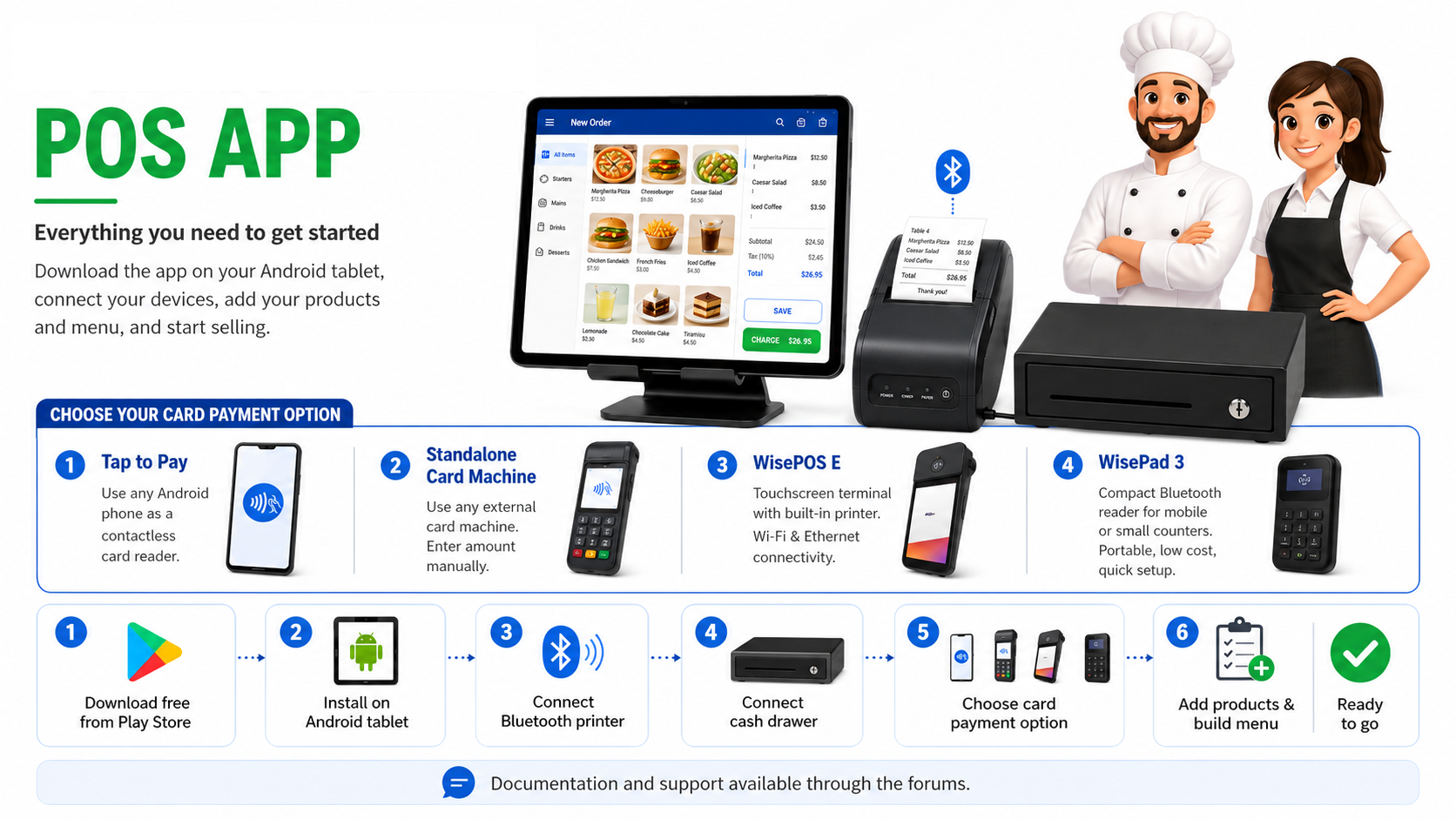
Download All-in-One Restaurant POS from Google Play on your Android device.
Built for restaurants, cafés, takeaways, food trucks and mobile food businesses. Manage sales, menu items, kitchen workflow, staff, stock, printing and online orders, with flexible cash and card payment options.
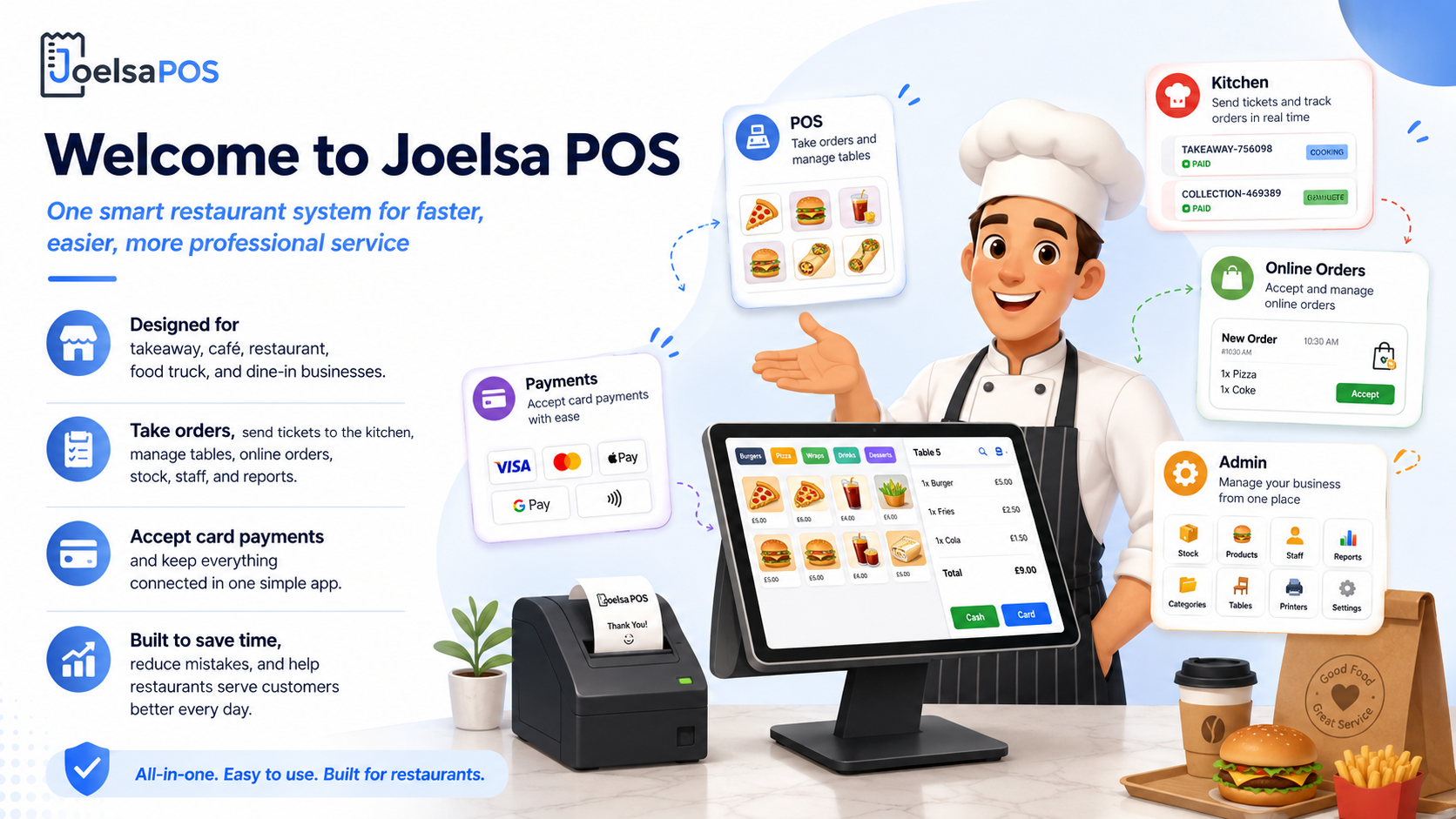
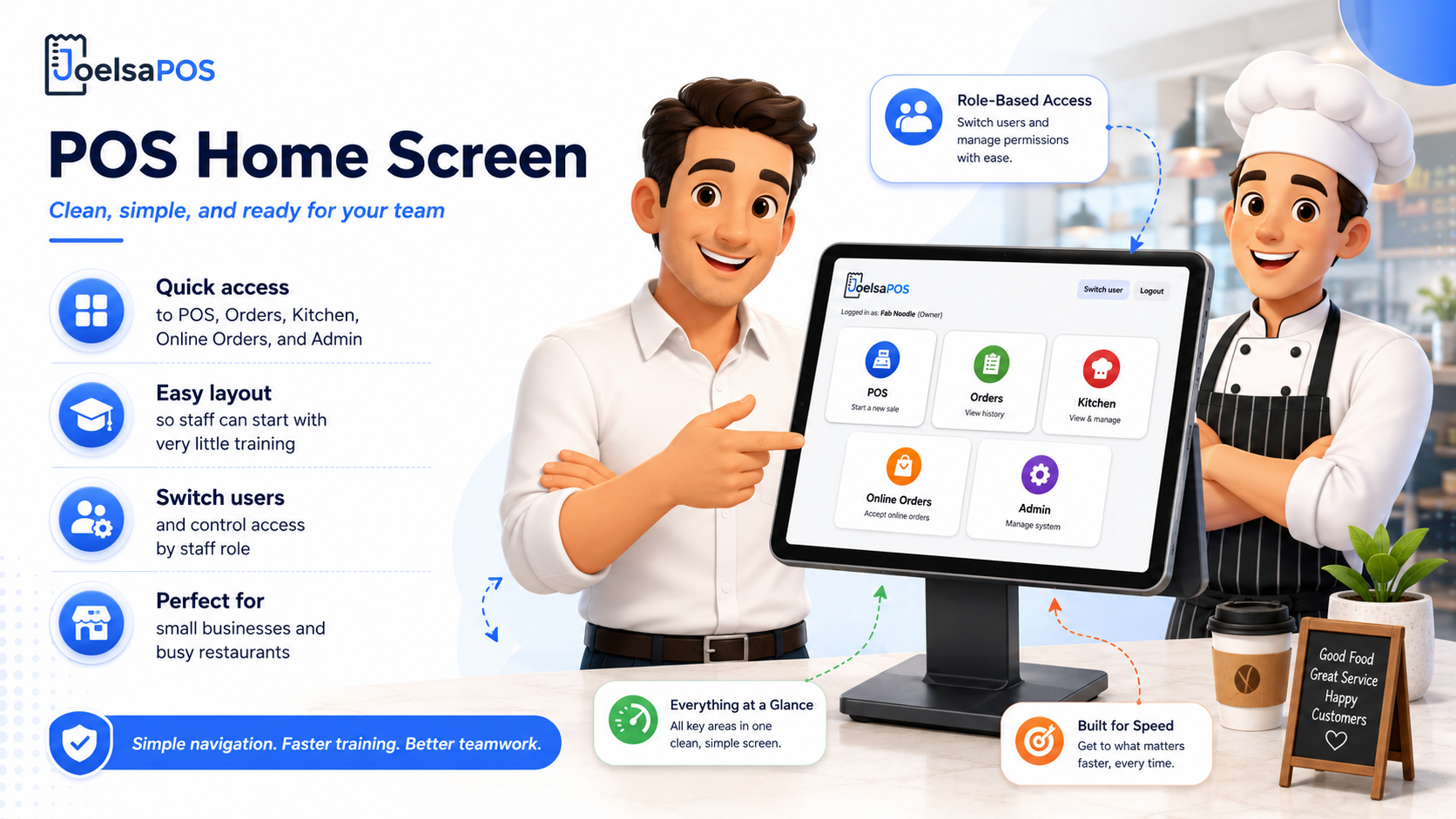
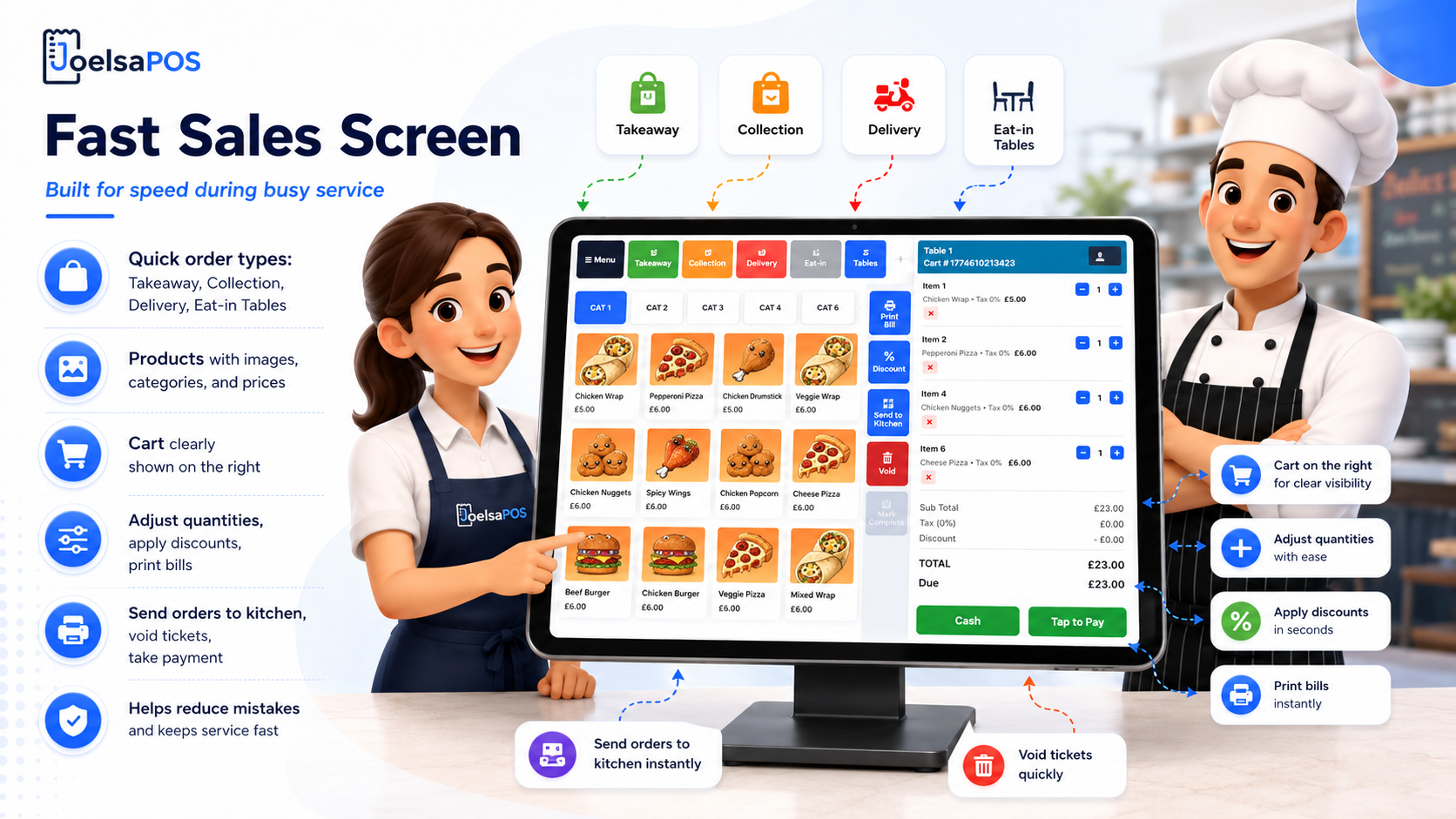
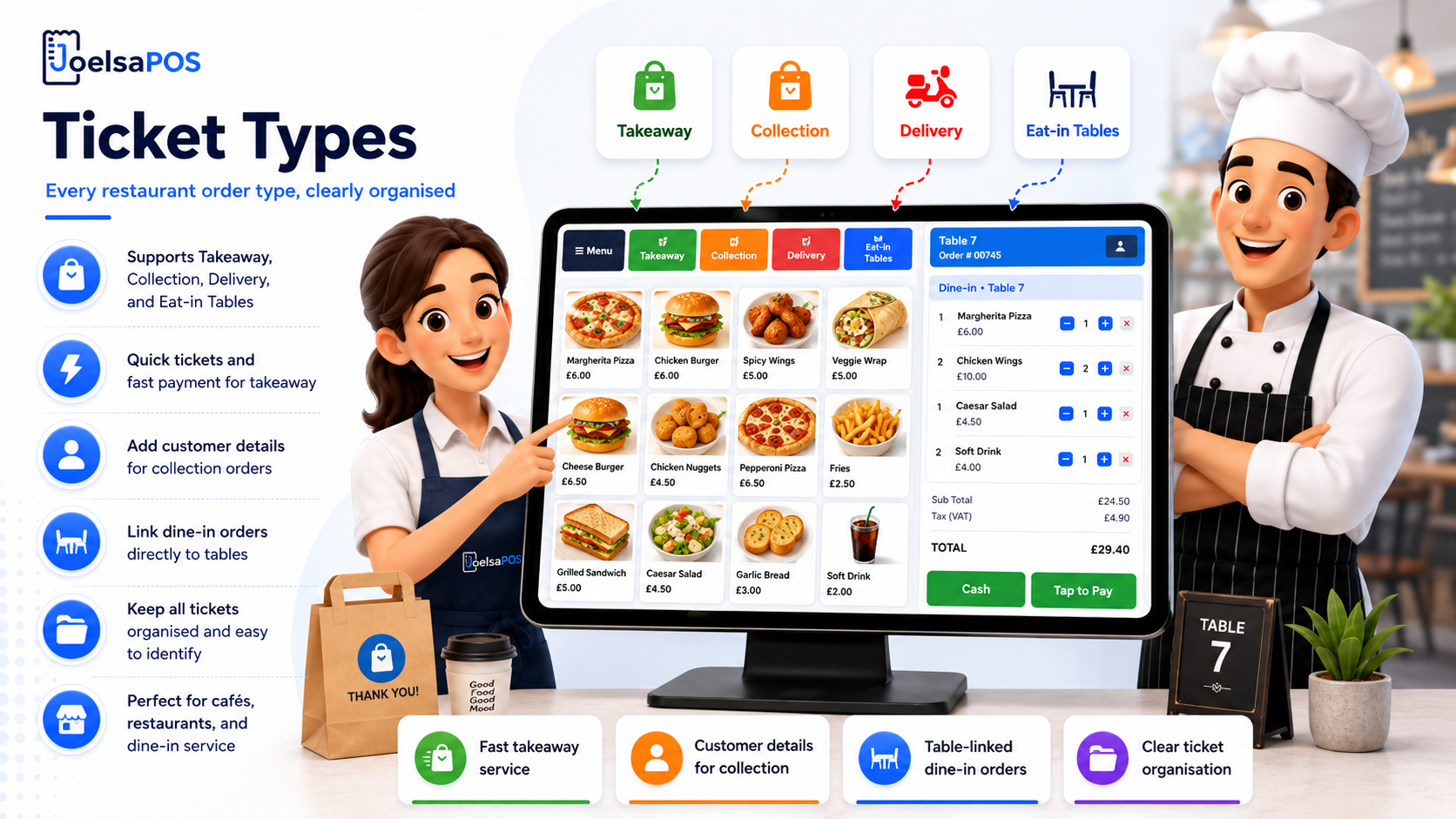
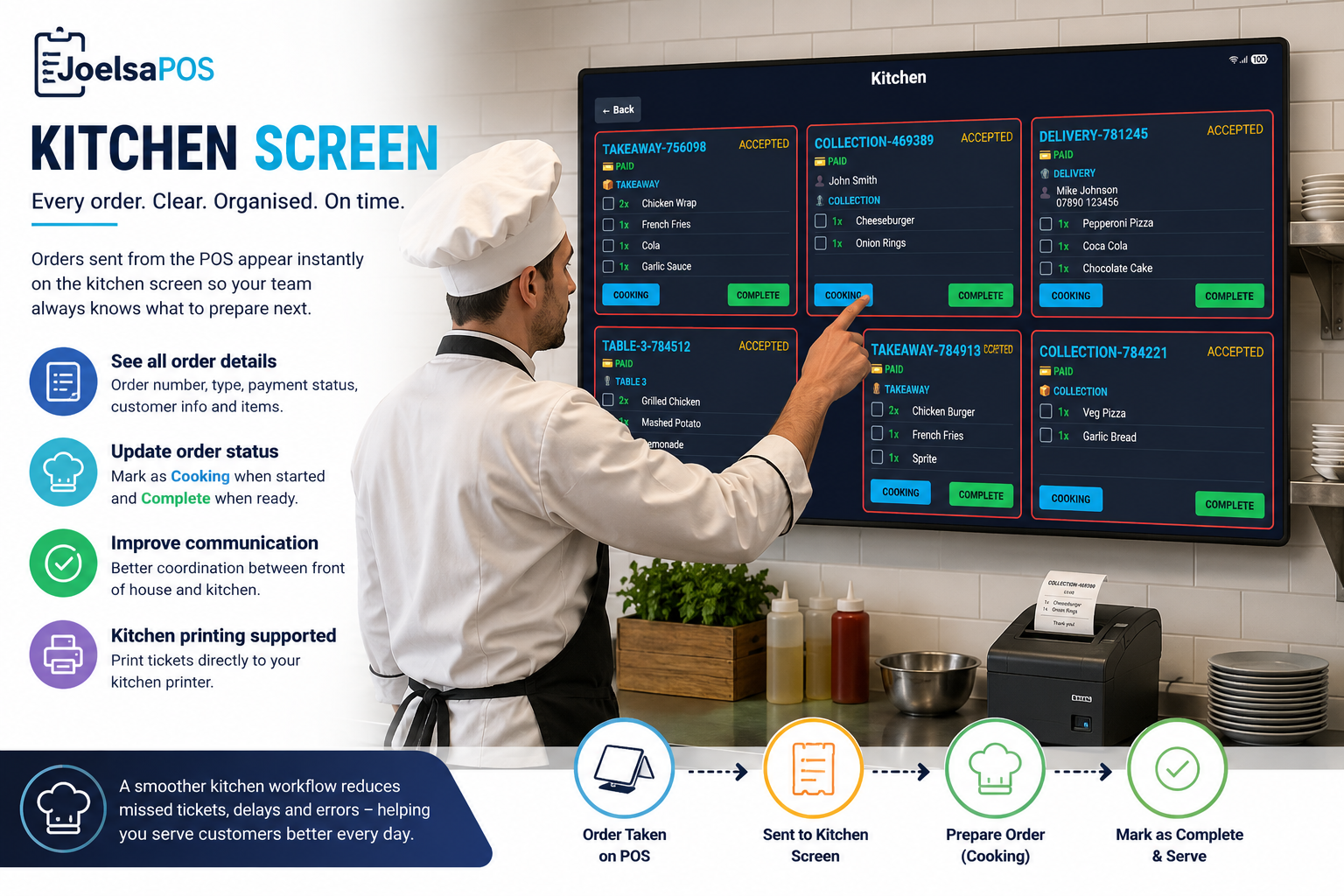
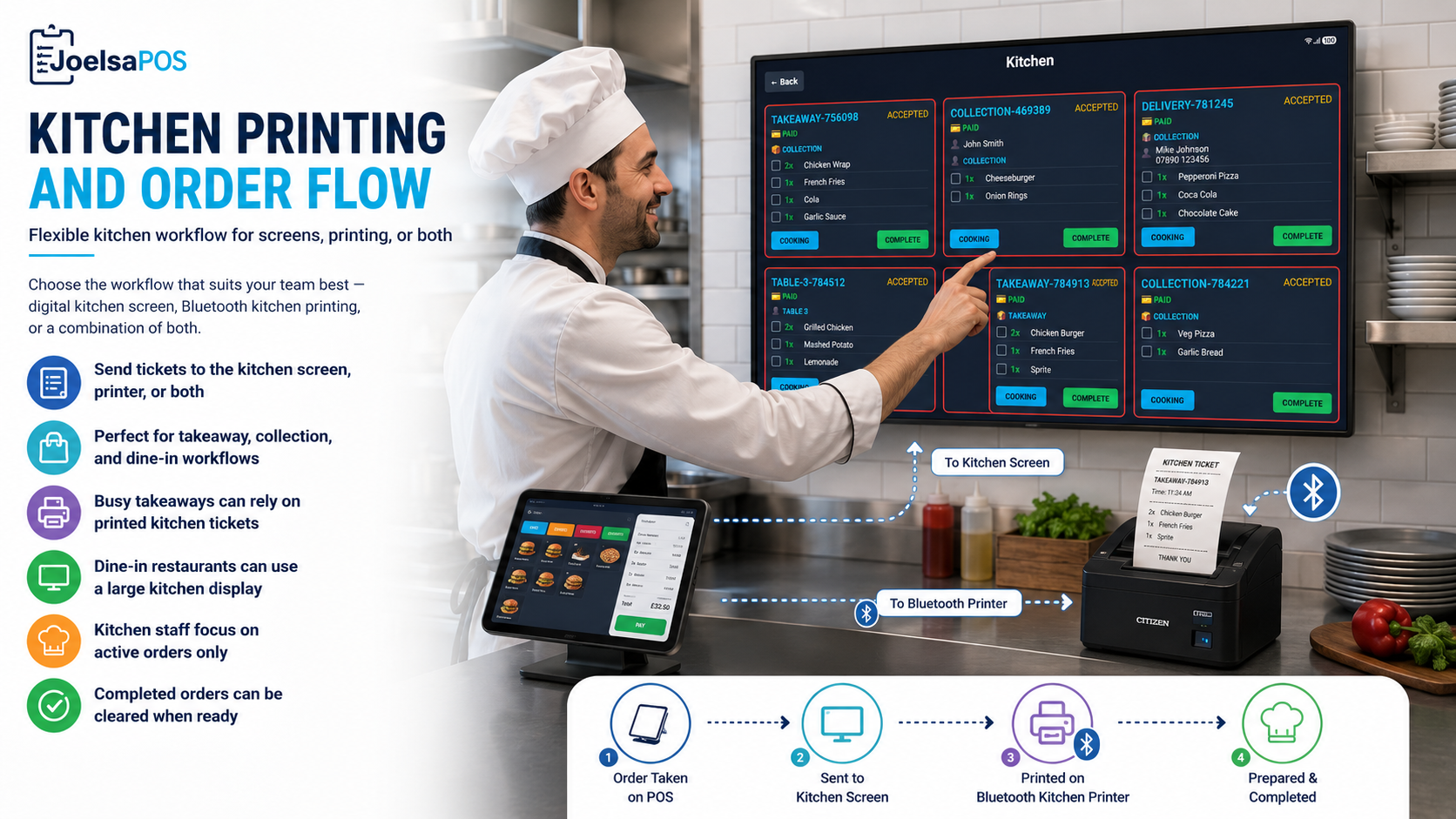

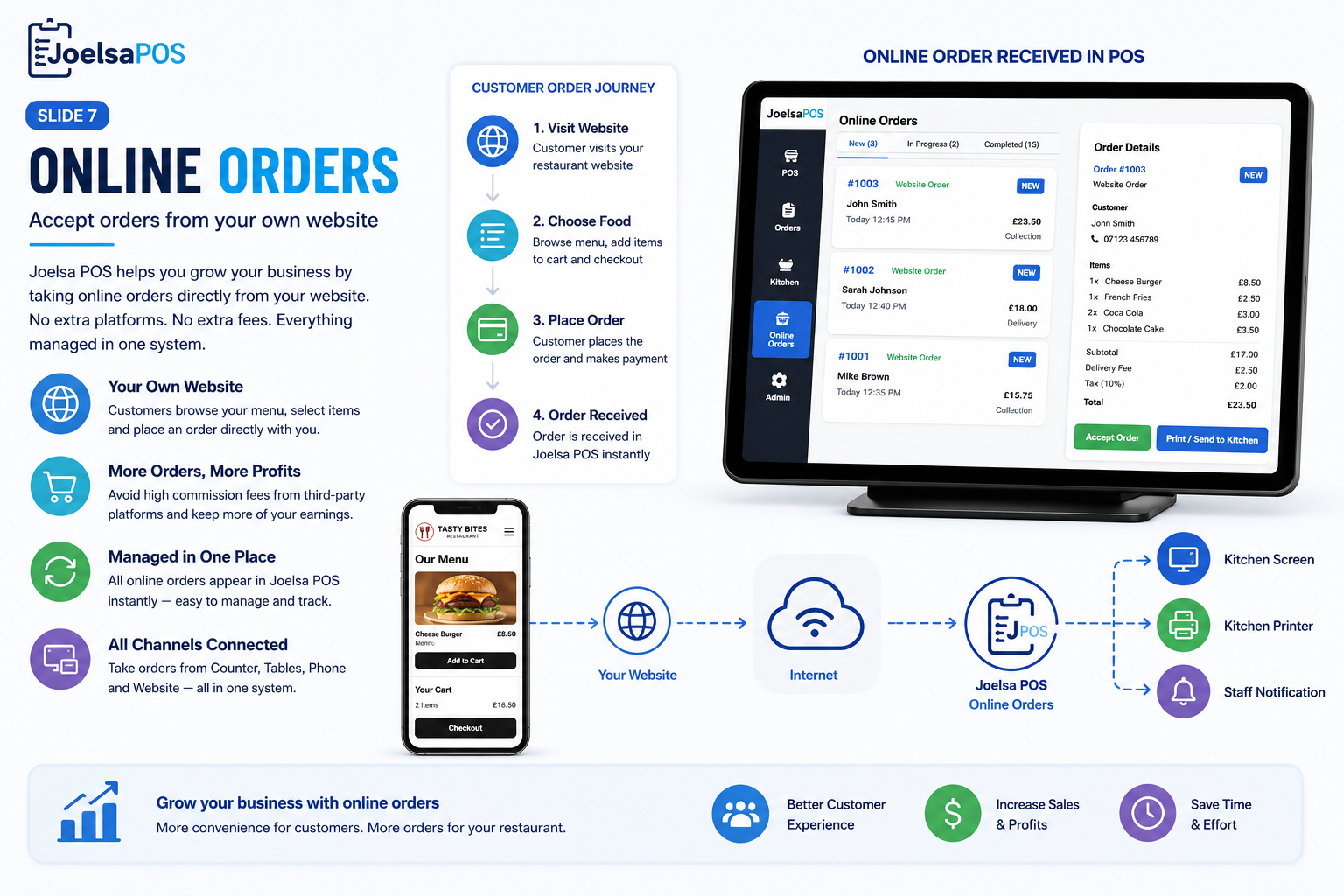
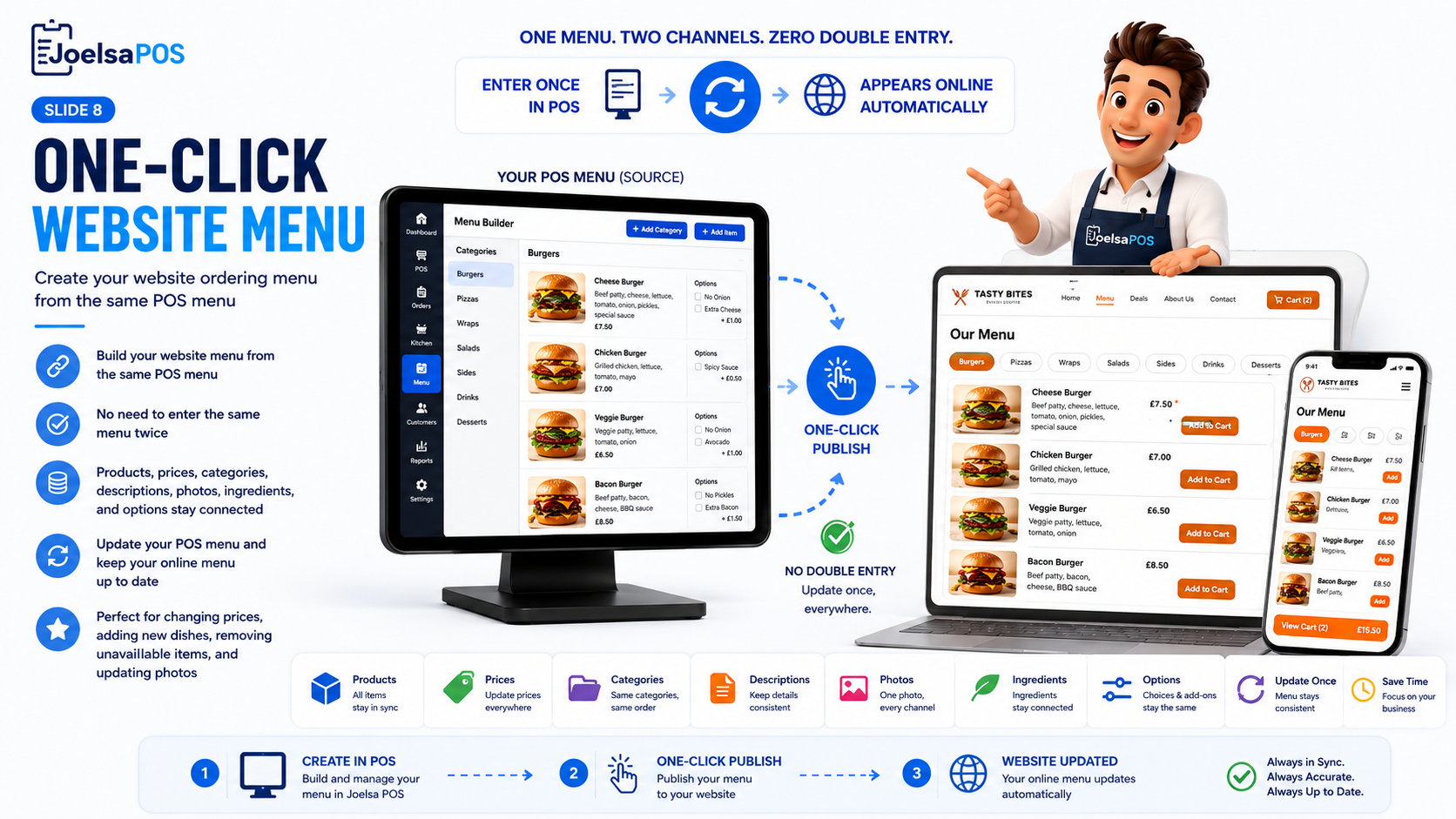
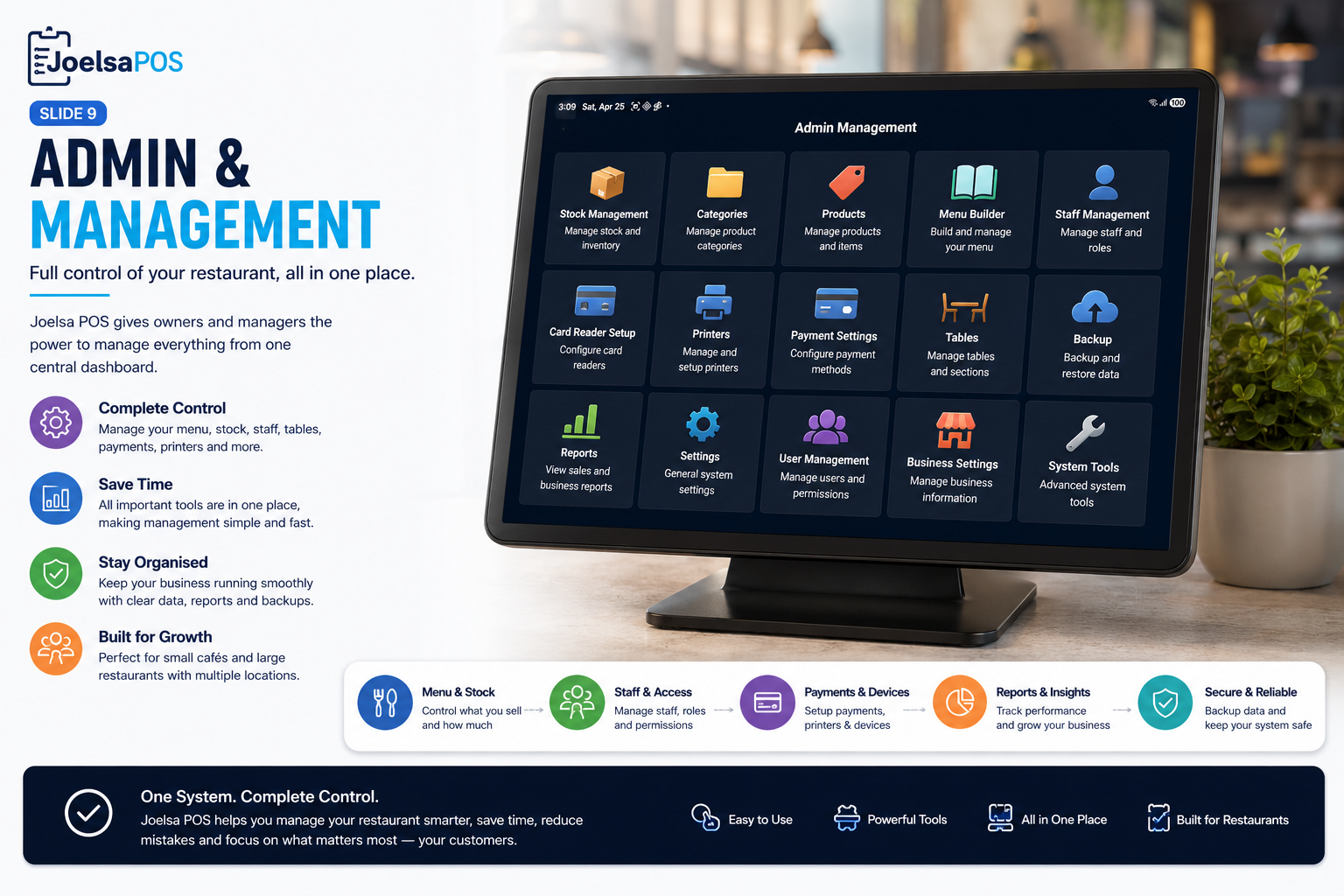

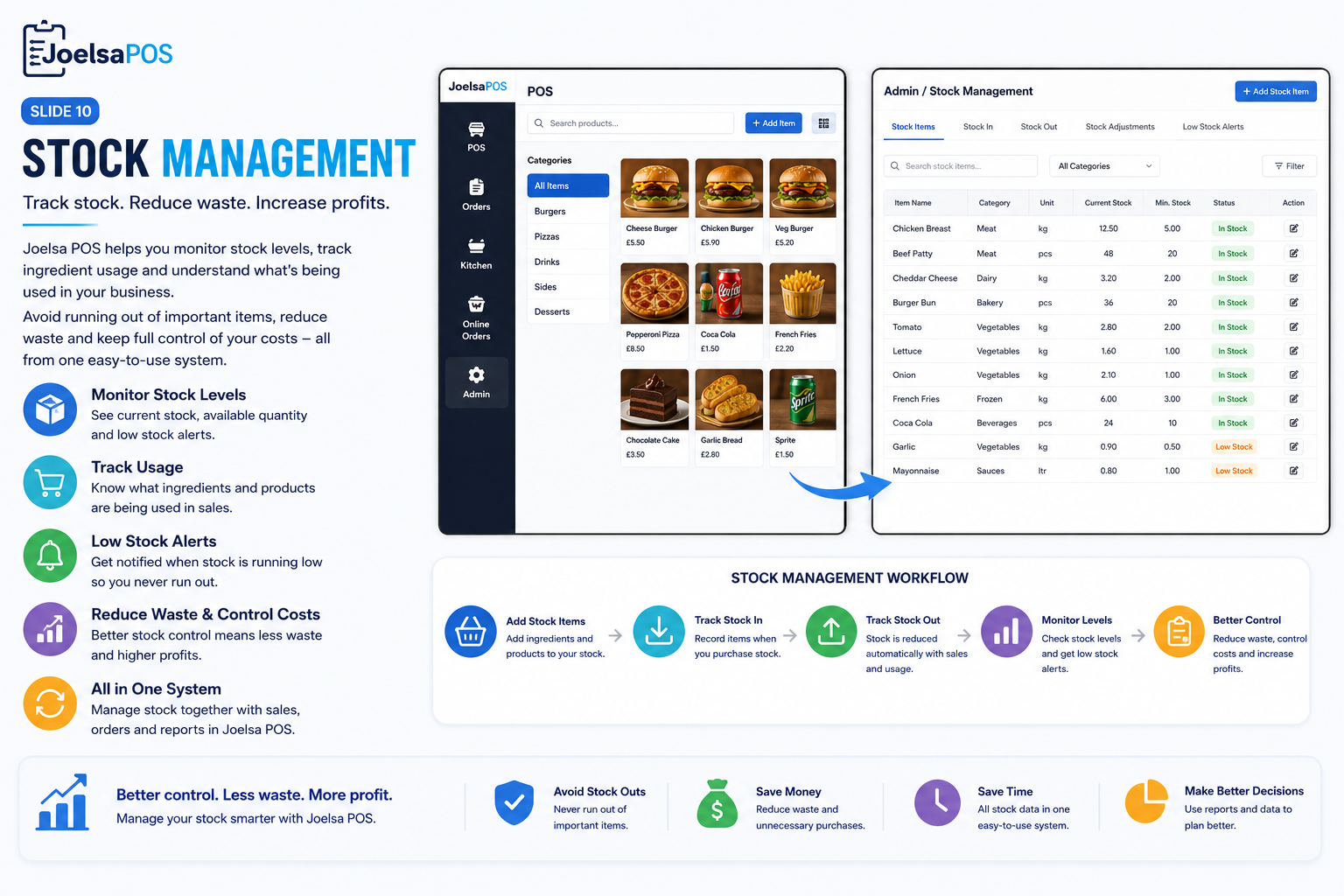
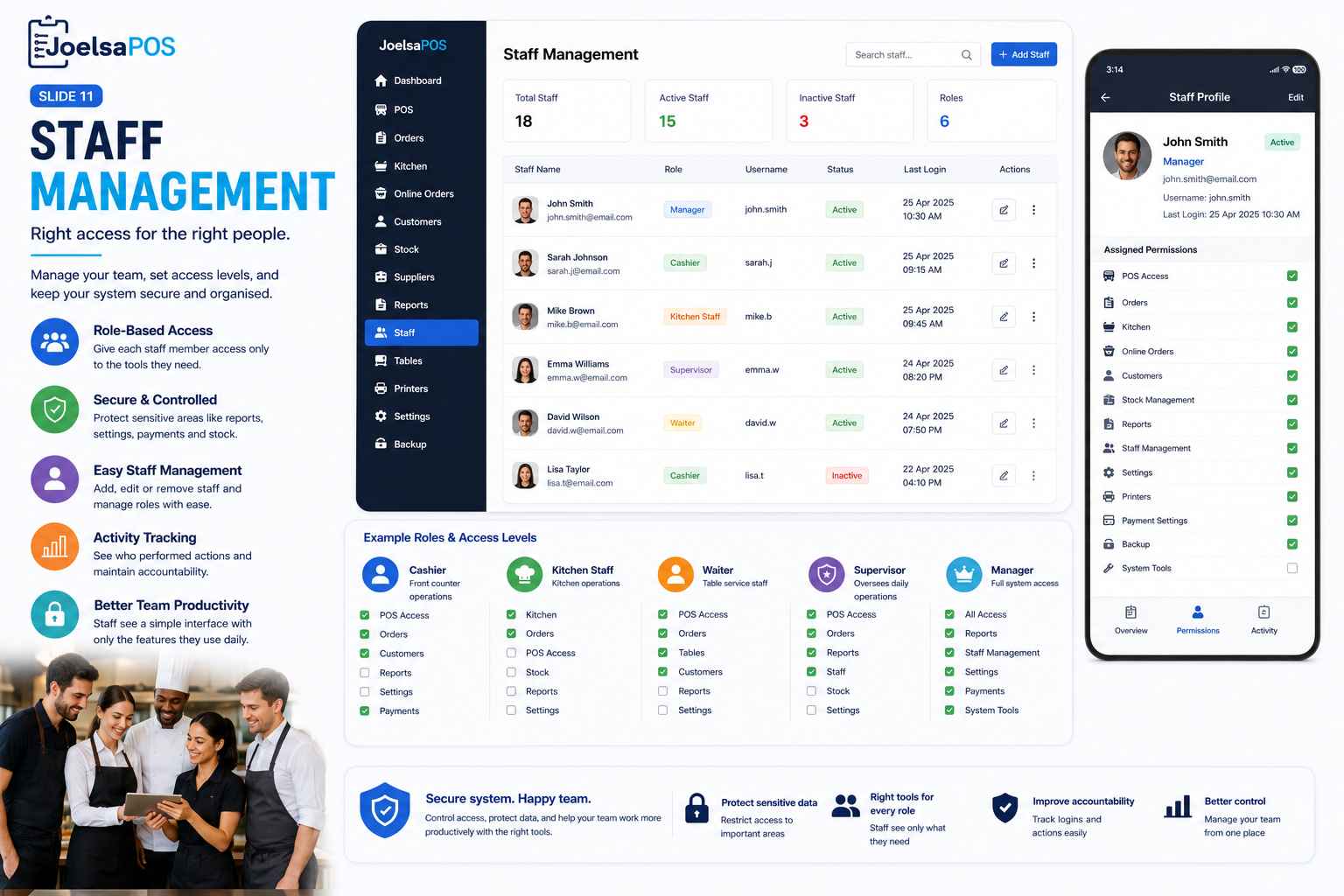
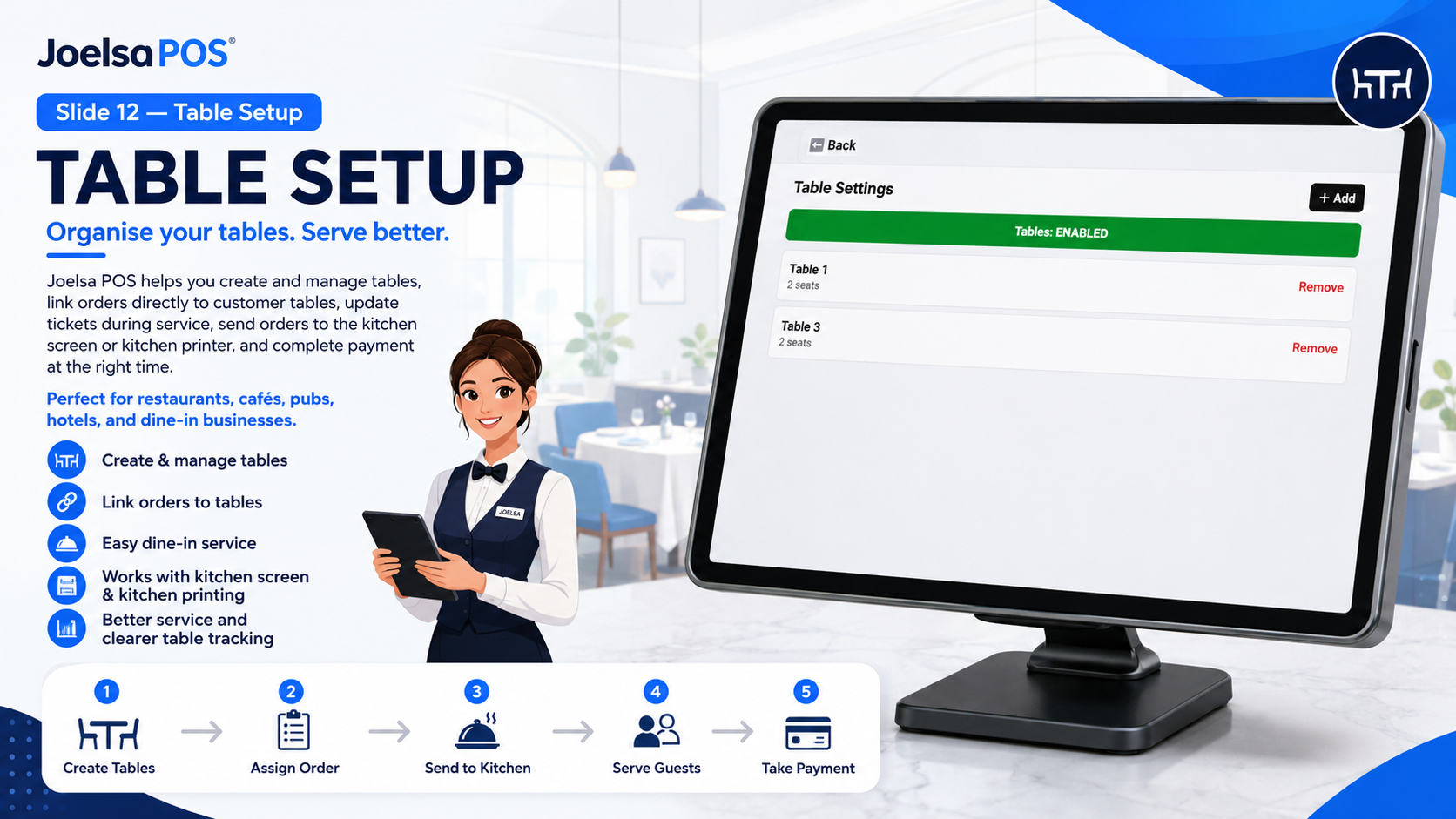
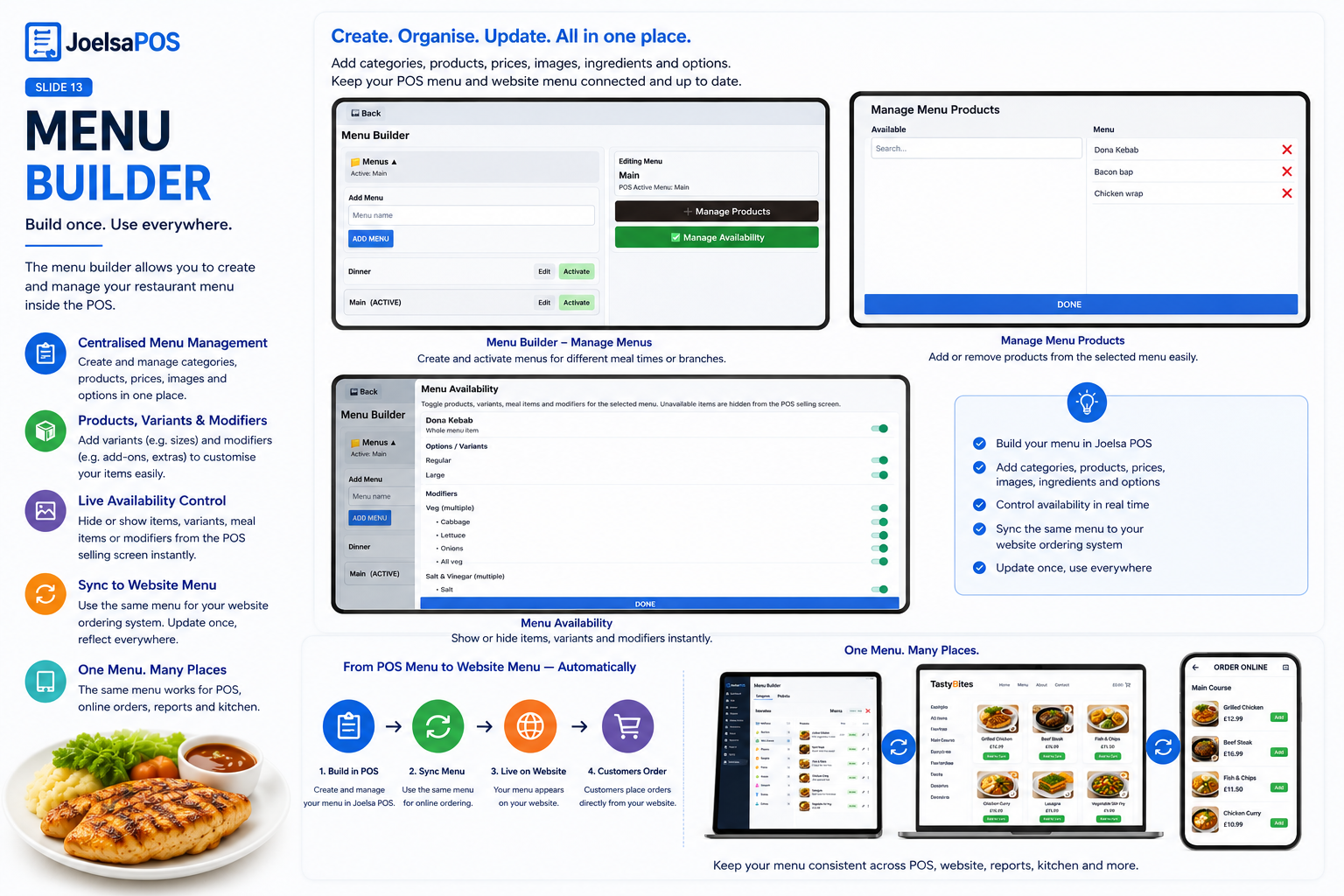
Use the same core POS workflow for counter service, table service, takeaway, delivery and mobile trading.
The core system runs on Android. Add receipt or kitchen printing and choose the payment method that suits your business.
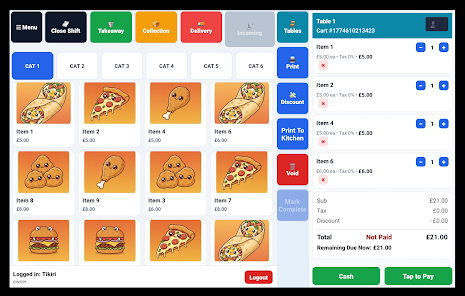
Take orders, manage your menu and process sales from the main POS interface.
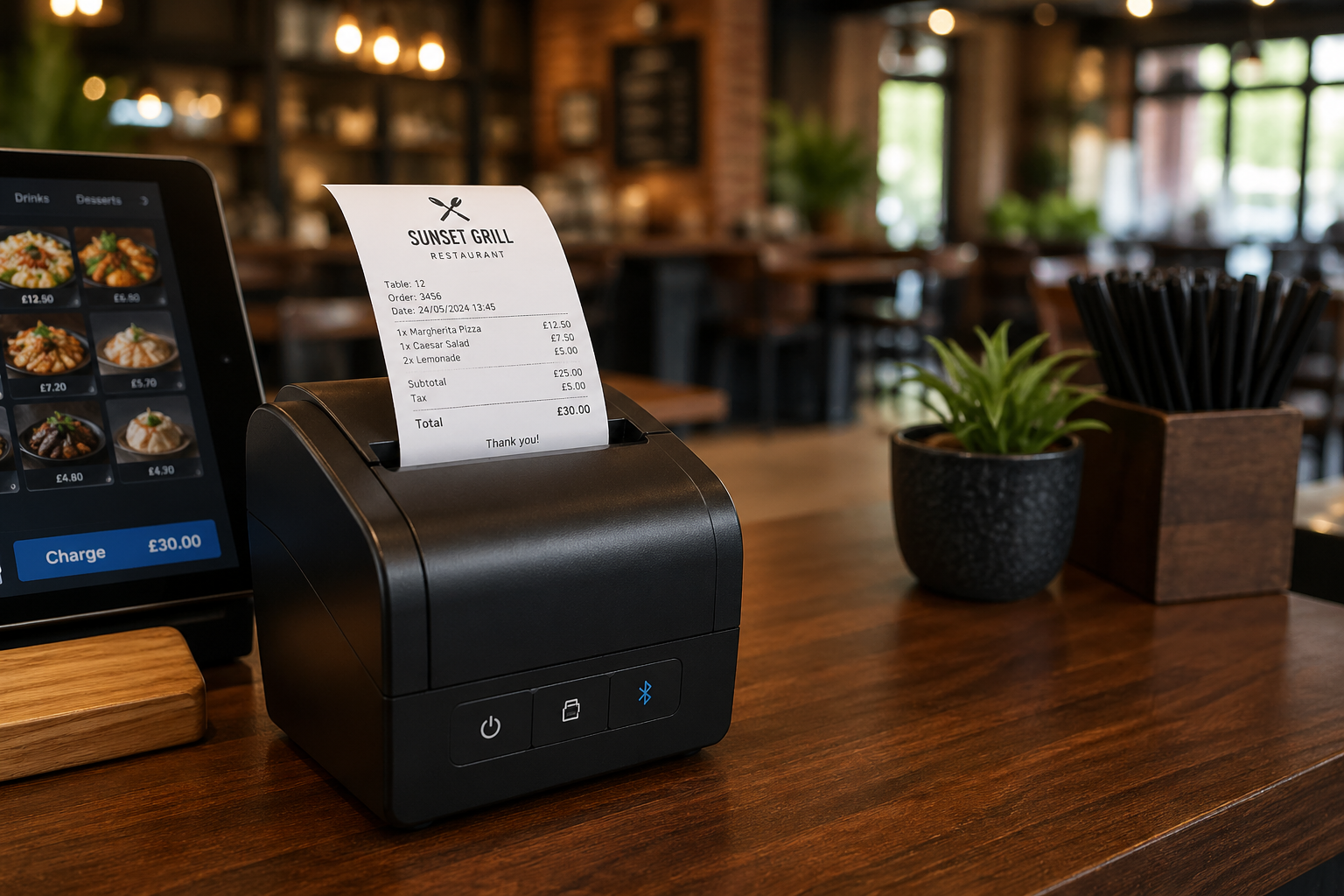
Print customer receipts and send food orders to a dedicated kitchen printer when your workflow needs printed tickets.
Download All-in-One Restaurant POS from Google Play on your Android device.
Add categories, products, prices, variants, modifiers and product images.
Set up staff access, stock, kitchen workflow and any receipt or kitchen printers you use.
Take cash, use supported Tap to Pay or Stripe Terminal options, or continue with a standalone card machine.
Keep front-of-house, kitchen, menu, staff and stock workflows connected instead of managing them as separate systems.
Fast order entry and checkout for busy service environments.
Move orders from the POS to your kitchen workflow with less manual handling.
Keep products and pricing organised as your menu changes.
Give team members the access they need without exposing every function.
Track availability as products are sold and keep better control of stock.
Bring online and in-store orders into the same operating workflow.
All-in-One POS supports cash and several card-payment workflows, so you can use the setup that matches your hardware and service style.
On compatible Android hardware and in supported Stripe markets, the device itself can be used for contactless payments. Availability depends on device, country and Stripe support.
The POS can work with supported Stripe Terminal readers or alongside a standalone card machine. Cash payments are also supported.
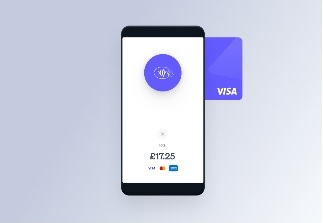
Accept supported contactless payments directly on a compatible Android device.
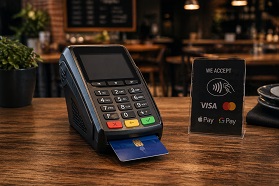
Continue using a standalone terminal and record the sale in the POS workflow.
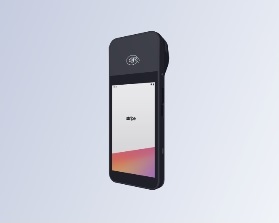
Use supported Stripe Terminal hardware when you prefer a dedicated counter reader.
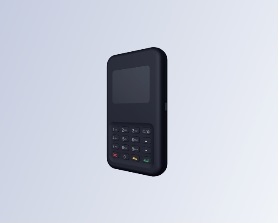
Another supported Stripe Terminal option for a separate card-reader setup.
Make it easy for merchants to understand who provides the software, how integrated payments are handled and where to get help.
Stripe handles integrated card-payment processing. Joelsa's restaurant POS privacy policy states that the platform does not store or access card numbers, CVC or PIN data.
Read the privacy policyAll-in-One Restaurant POS is provided by Joelsa Ltd, company number 09425232. Use the documentation for setup guidance or contact support for product help.
Visit the Help CentreNot necessarily. If your Android device and location support Stripe Tap to Pay, you can accept supported contactless payments directly on the device. You can also use supported Stripe Terminal hardware or a standalone card machine.
Yes. The system supports customer receipt printing and a separate kitchen-printing workflow, including order notes and special instructions.
Yes. The app supports staff accounts, PIN-based login, roles and permissions so access can be controlled.
Yes. Online and in-store orders can be handled in the same system, with orders feeding into the POS and kitchen workflow.
Use the All-in-One documentation for setup and configuration guidance, or contact JoelsaPOS support if you need help.
The app is provided by Joelsa Ltd, UK company number 09425232. Product support is available at support@joelsapos.com.
Download All-in-One Restaurant POS, follow the setup documentation and configure the workflow that fits your business.